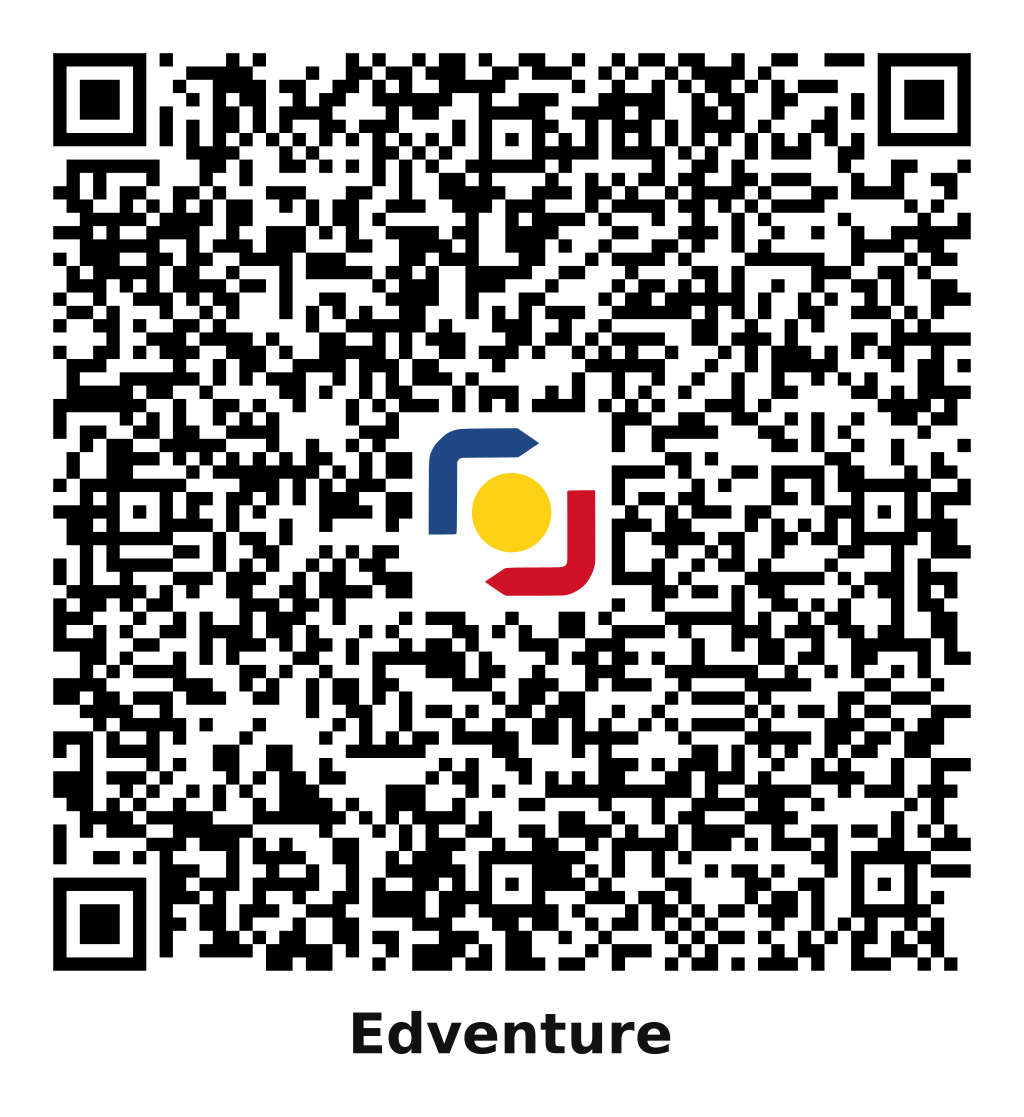
Scan and pay from GCash, Maya, or any bank app that accepts QR Ph, with no account number to type.
1Open GCash, Maya, or your bank’s app and choose to scan a QR code.
2Scan the code. Paying on this phone? Save the QR code, then upload it from your photos in the app’s scanner.
3Check that the recipient’s name matches Mark Anthony Llego. Some apps hide part of the name.
4Enter the amount for your plan, then confirm.
5Take a screenshot of the payment confirmation.
Account name
Mark Anthony Llego
GCash
Account name
Mark Anthony Llego
Mobile number
0926 021 1602
1Open your GCash app.
2Tap Send Money or Express Send.
3Enter the mobile number 0926 021 1602.
4Enter the amount for your plan.
5Review the details and confirm. GCash hides some letters of the name, so check that it matches Mark Anthony Llego.
6Take a screenshot of the payment confirmation.
Bank transfer
BDO
Account name
Mark Anthony Llego
Account number
0105 8600 2200
1Open BDO Online on your phone or computer.
2Tap Send Money.
3Select Any BDO Account.
4Enter the account name, account number, and amount, then tap Send.
5Take a screenshot of the confirmation.
GoTyme Bank
Account name
Mark Anthony Llego
Account number
0129 1041 6865
1Open the GoTyme Bank app.
2Tap Send / Transfer.
3Tap Account Number.
4Select GoTyme Bank.
5Enter the account number, account name, and amount, then tap Send.
6Take a screenshot of the confirmation.
Paying from another bank or e-wallet? Send by InstaPay and choose BDO Unibank or GoTyme Bank as the receiving bank. Your bank may charge a transfer fee.
After you pay
1Sign in to your NASH Reviewer account, so we can link the payment to it.
2Open our contact page and tick the box that says you already paid for premium.
3Choose your plan, then enter the amount, transaction number, and date and time from your receipt.
4Attach your receipt screenshots, up to 2 images, so we can match your payment. Keep them in case we ask.
5We check your payment and eligibility, then activate premium. Your Practice sets page then shows your plan and, for a 30-day pass, when it ends.
If we have confirmed your payment and eligibility but premium is not on within 3 business days, you can choose immediate access or a full refund. Read the Refund Policy.
BIR Service Invoice
Edventure is registered with the Bureau of Internal Revenue and issues a Service Invoice for every premium payment. Once we confirm your payment, we email a scanned copy to your account’s email address.
Prefer the original Service Invoice? We can ship it to you by LBC, and you pay the shipping fee. Ask for it in your message when you send your payment details, and include your delivery address.
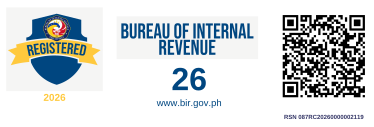
Our BIR registration seal. Scan its QR code with your phone camera to see our record on verify.bir.gov.ph.